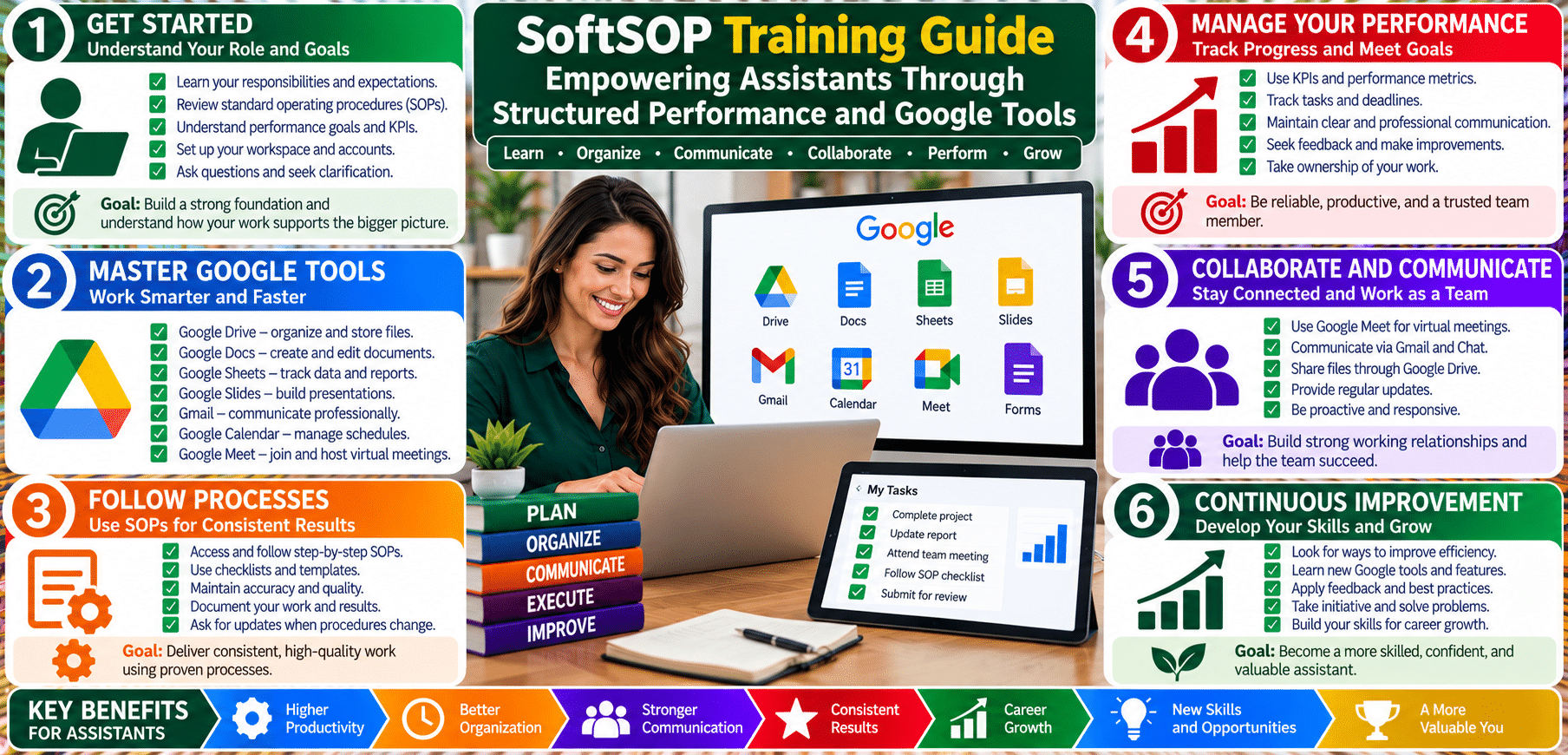
SoftSOP Training Guide: Empowering Assistants Through Structured Performance and Google Tools


© SoftSOP.com LLC – Training Division
Google Drive is the foundation of cloud-based collaboration across departments. It enables secure file management, knowledge sharing, and document co-creation while maintaining traceable accountability.
Within the SoftSOP Performance Review Framework, Drive supports liberty protection by ensuring every employee’s work is stored, shared, and version-controlled transparently.
???? Departmental Use Cases
| Skill Area | Description | Resource Link |
|---|---|---|
| Upload & Organize Files | Learn how to upload documents, images, and folders into Drive and apply color-coded organization. | Upload and organize files |
| Share Files Securely | Understand permissions, access levels (Viewer, Commenter, Editor), and link-sharing settings. | Share files from Google Drive |
| Manage Shared Drives | Create and manage Shared Drives for teams to maintain collective ownership of documents. | Create and manage shared drives |
| Version History | Track changes and restore prior file versions for accountability and compliance. | See version history for files |
| Offline Access | Enable and manage offline access for employees to work securely without internet connectivity. | Use Google Drive files offline |
| Search Optimization | Learn advanced search tools, filters, and operators for efficient data retrieval. | Search in Google Drive |
| Integration with Docs, Sheets & Slides | Understand Drive’s integration with Google Workspace for seamless editing and collaboration. | Use Google Drive with Docs, Sheets, and Slides |
| File Ownership & Transfer | Learn how to transfer ownership or archive files properly when employees transition roles. | Transfer ownership of files |
| Activity Tracking | Monitor Drive activity logs to audit user actions for security and liberty protection. | View activity and file details |
| Security & Privacy Controls | Manage two-step verification, link expiration, and domain restrictions for organizational control. | Google Workspace security center |
“Every upload is a record of accountability.”
Encourage assistants and educators to treat Drive as their digital filing cabinet.
Assign each team a shared drive labeled by department (e.g., Admin_SOP_Resources, Training_Materials).
In performance reviews, supervisors can check Drive folders to verify task ownership, collaboration quality, and submission timeliness.
This fosters transparency and ensures that liberty protection extends to all contributors — no assistant’s work goes unrecorded or overwritten.
Purpose: To ensure each employee uses Google Drive in a way that meets ISO 9001 documentation standards and ISO/IEC 27001 information security compliance.
Application:
| Evaluation Area | Criteria | Supervisor Notes |
|---|---|---|
| File Organization | Folder and document naming accuracy | |
| Collaboration | Proper sharing permissions & response speed | |
| Compliance | Adherence to Drive security SOP | |
| Innovation | Effective use of Drive add-ons or templates | |
| Documentation | Regular updates, backups, and version control |